Weighbridge Software: Features, Workflow, and Selection Guide
Learn what weighbridge software does, which features matter, how integrations work, and how to compare systems for secure, efficient truck-scale operations.
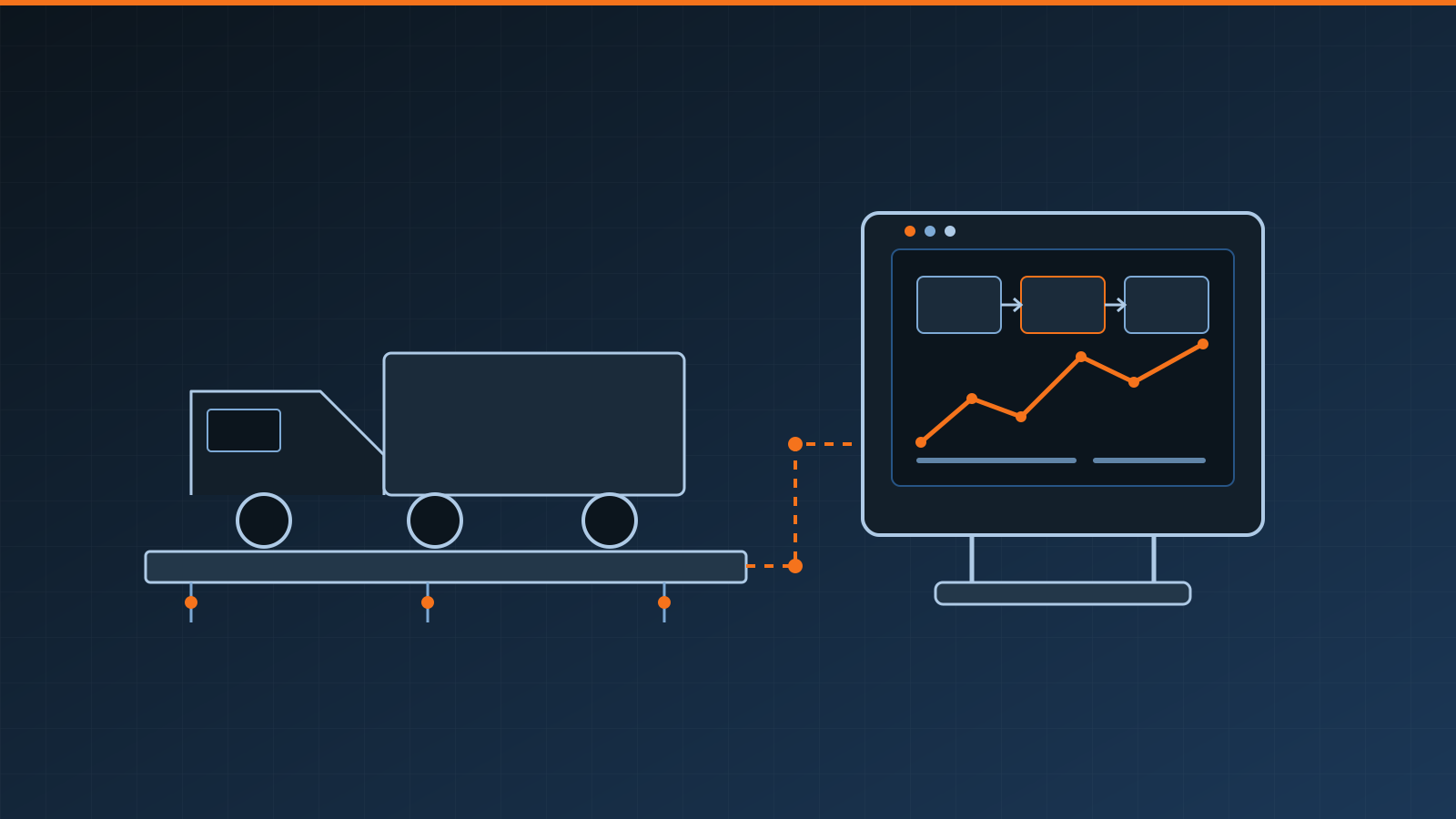
Weighbridge software turns a truck scale reading into a controlled business transaction. It identifies the vehicle and material, captures gross and tare weights, calculates net weight, produces a ticket, and sends reliable data to the systems that need it. The best choice is not necessarily the package with the longest feature list; it is the one that fits the site’s traffic, controls, integrations, compliance obligations, and support needs.
Key takeaways
- Start with the required weighing workflow, including exceptions, rather than a software feature list.
- Confirm compatibility with the weight indicator, identification devices, barriers, printers, and business systems.
- Require traceable records, role-based access, backups, and an audit trail for corrections.
- Decide how the site should operate during network, server, printer, or peripheral failures.
- Treat unattended weighing as an operational redesign with safety controls, not simply an automation add-on.
What weighbridge software manages
A basic system records the reading from a weighbridge, combines it with transaction details, and creates a durable record. A typical inbound-and-outbound workflow is:
- Identify the vehicle, carrier, customer, and product.
- Capture the first stable weight and time.
- Direct the vehicle to loading, unloading, or inspection.
- Capture the second weight.
- Calculate net weight from gross and tare values.
- Validate the transaction and issue a printed or digital ticket.
- Export the approved data for billing, inventory, dispatch, or reporting.
Real sites also need exceptions. A vehicle may arrive without an order, use an expired stored tare, carry multiple products, return after a failed first weighing, or require a corrected customer reference. Good software makes these cases controlled and visible instead of encouraging handwritten notes or unrestricted edits.
Software does not establish the scale’s measurement accuracy. The weighing terminal and weighing instrument provide the weight; installation, inspection, and weighbridge calibration remain separate technical responsibilities.
Core features to compare
| Capability | What to verify |
|---|---|
| Weight capture | Stable-weight detection, supported indicator protocols, manual-entry controls, and clear error states |
| Transaction management | Gross/tare/net logic, reweighs, stored tares, split loads, voids, and correction approvals |
| Ticketing | Configurable fields, numbering, duplicate markings, printer support, and digital delivery |
| Master data | Vehicles, carriers, customers, products, orders, destinations, and effective dates |
| Security | Named users, least-privilege roles, authentication options, session controls, and audit logs |
| Reporting | Searchable transaction history, exception reports, exports, and reconciliation totals |
| Resilience | Offline operation, backups, restore testing, failover options, and recovery procedures |
| Support | Coverage hours, response targets, remote-access controls, updates, and hardware escalation |
Feature names can hide important differences. For example, an “audit trail” may log every field change with user, time, old value, new value, and reason—or merely record the last editor. Ask vendors to demonstrate the exact behavior with realistic exceptions.
Attended versus unattended operation
In an attended station, an operator verifies transaction details, communicates with drivers, and resolves exceptions. The software should reduce repetitive entry while keeping the live weight and transaction status easy to understand.
An unattended system may add kiosks, RFID credentials, license-plate recognition, intercoms, traffic lights, barriers, loop detectors, cameras, and remote assistance. This can extend operating hours and improve throughput, but only when the workflow is predictable.
Before automating, document how the system will handle:
- an unknown or duplicated vehicle identity;
- a truck positioned partly off the deck;
- unstable weight or a zero error;
- a blocked barrier or failed traffic light;
- a driver selecting the wrong product or order;
- a communications outage; and
- an emergency, rejected load, or transaction dispute.
Physical traffic control, site rules, signage, and emergency procedures should be reviewed by qualified safety and operations personnel. Software status alone should not be treated as proof that a vehicle movement is safe.
Deployment and integration choices
On-premises software runs on site-controlled computers or servers. It can offer direct local control and limited dependence on internet connectivity, but the operator must plan hardware replacement, patching, backups, and cybersecurity.
Cloud software can simplify remote access, centralized updates, and multi-site reporting. Buyers should still understand local gateway requirements, connectivity dependence, data location, service availability, export rights, and what happens when the subscription ends.
Hybrid systems keep scale control and transaction continuity local while synchronizing records to a hosted service. This can be practical for remote or high-throughput locations, provided conflict resolution and delayed synchronization are tested.
Integrations commonly connect to ERP, accounting, dispatch, inventory, yard management, and access-control systems. Define which system owns each data field. Customer and order records might flow into the scale system, while completed weights flow out. Use documented interfaces where possible, and require monitoring that reveals rejected or duplicated messages rather than silently losing them.
Data integrity, security, and compliance
Weight records may support invoices, custody transfer, inventory, waste documentation, or regulatory reporting. Controls should match that consequence. Useful safeguards include unique transaction IDs, synchronized timestamps, immutable event logs, correction reasons, approval rules, and reconciliation between scale totals and downstream systems.
For buying or selling by weight, software configuration may form part of a legal-for-trade system. Requirements vary by jurisdiction and application. Confirm permitted ticket fields, stored-tare rules, rounding, record retention, sealing or access restrictions, and software-update procedures with the relevant legal-metrology authority and qualified provider. Do not assume that a generic software claim makes the complete installation compliant.
Cybersecurity review should cover user lifecycle, password or single-sign-on policy, remote vendor access, encryption, network segmentation, vulnerability updates, backups, and incident logging. Test restoration instead of relying on a successful backup message.
A practical selection checklist
Before requesting proposals, give each supplier the same requirements and transaction examples:
- Number of scales, lanes, sites, daily transactions, and peak arrival rate
- Indicator models and communication interfaces
- Required attended, unattended, and after-hours workflows
- Vehicle, product, order, tare, reweigh, and correction rules
- Kiosks, printers, scanners, cameras, barriers, and traffic controls
- Required reports, retention period, and data exports
- Business-system interfaces and ownership of each data field
- Internet-outage and hardware-failure behavior
- User roles, audit requirements, and cybersecurity controls
- Implementation, training, testing, support, and exit arrangements
Ask for a configured demonstration using your scenarios, not only a slide presentation. Then run user acceptance tests with operators, finance or inventory users, IT personnel, and site management. Include normal transactions, every common exception, a communications failure, a restart, and a restored backup.
Implementation priorities
Clean master data and agreed procedures matter as much as configuration. Assign owners for customer, vehicle, product, and order records. Decide who can change a tare, void a ticket, reopen a transaction, or override an exception. Train users on both the normal process and the fallback process.
A phased launch can reduce risk: verify indicator communication, run attended transactions, reconcile outputs with the business system, and only then enable broader automation. Keep acceptance evidence and configuration records so future updates can be tested against the approved workflow.
Weighbridge software should make every weight transaction faster to process, harder to alter improperly, and easier to reconcile. Selection is strongest when the buyer tests complete workflows, failure modes, and data ownership—not just ticket appearance or headline features.
Frequently asked questions
What does weighbridge software do?
Weighbridge software captures weight readings, identifies vehicles and products, calculates net weight, issues tickets, and stores transaction records. More advanced systems can control barriers and traffic lights, support unattended weighing, and exchange data with ERP, accounting, dispatch, or inventory systems.
Can weighbridge software work with an existing truck scale?
Often, yes, if the indicator can provide a stable weight through a supported interface and the proposed system is compatible with the site's peripherals and operating requirements. Confirm the exact indicator model, protocol, legal-for-trade constraints, and vendor support before purchase.
Does weighbridge software need an internet connection?
Not always. A local or hybrid system may continue weighing during an internet outage and synchronize later, while a cloud-dependent workflow may require connectivity. Buyers should ask how offline operation, data reconciliation, backups, and remote support work.
Is unattended weighing suitable for every site?
No. It works best when vehicles, products, routes, and exceptions can be identified reliably. Sites with complex loads, frequent disputes, safety hazards, or unusual transactions may still need an operator or a supervised exception process.
Related guides
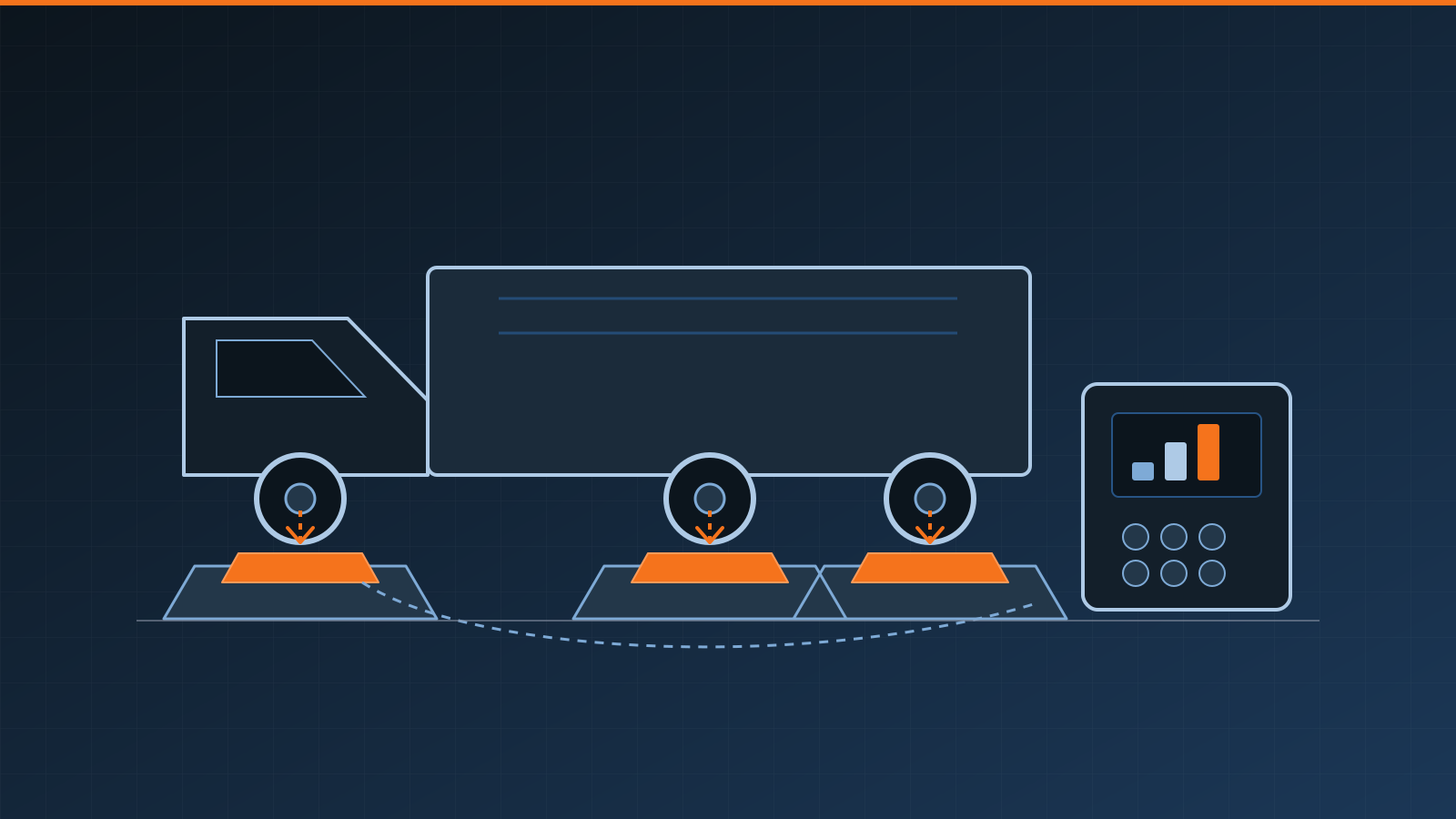
Axle Scales: Types, Uses and Buying Checklist
Learn how axle scales weigh vehicles, compare portable axle weighing pads with platforms, and choose a system for screening, compliance or operations.
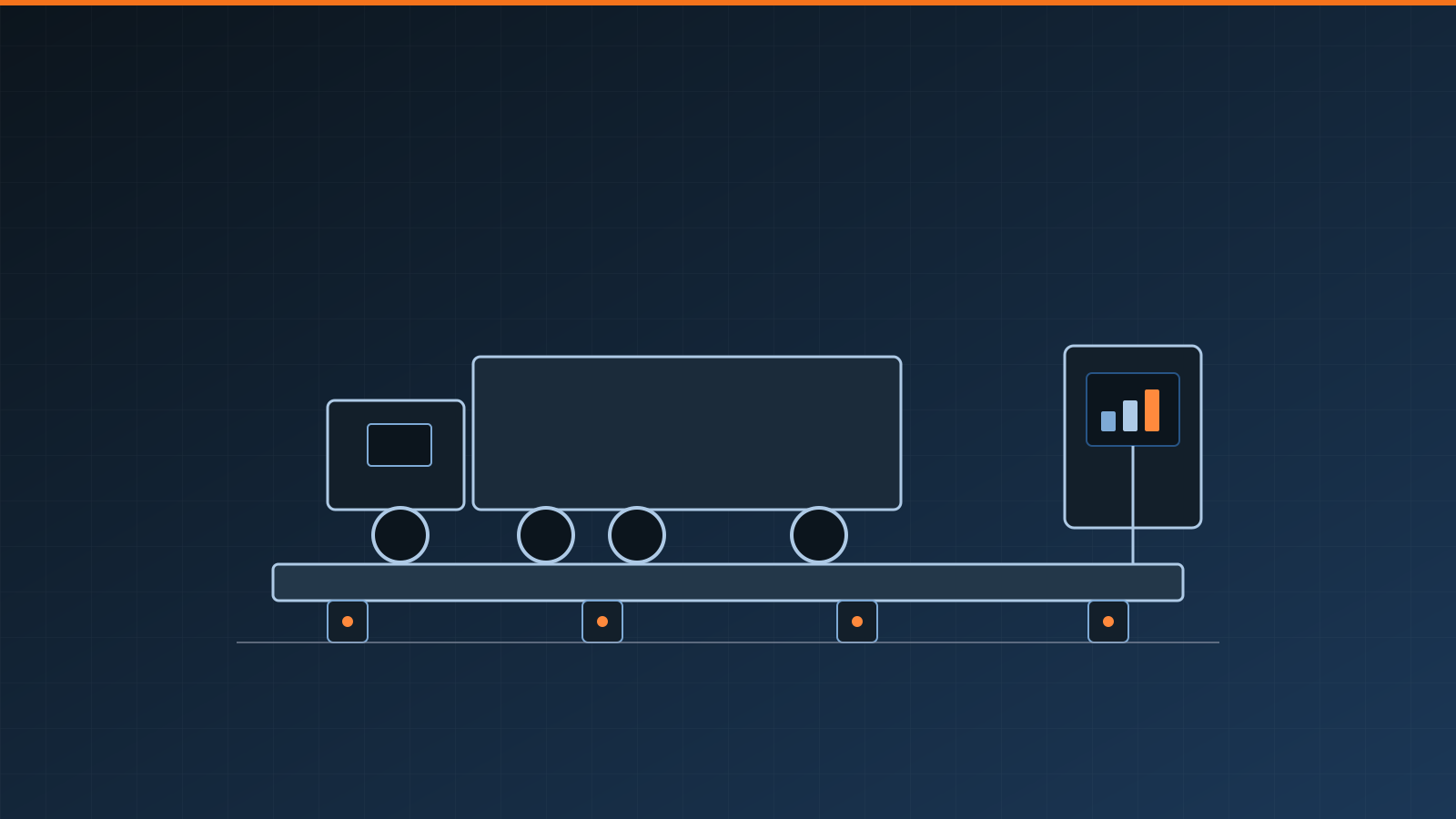
What Is a Weighbridge? Types, Uses and How They Work
A weighbridge weighs road vehicles and their loads. Learn how weighbridges work, the main types, key uses, and what affects accuracy and installation.
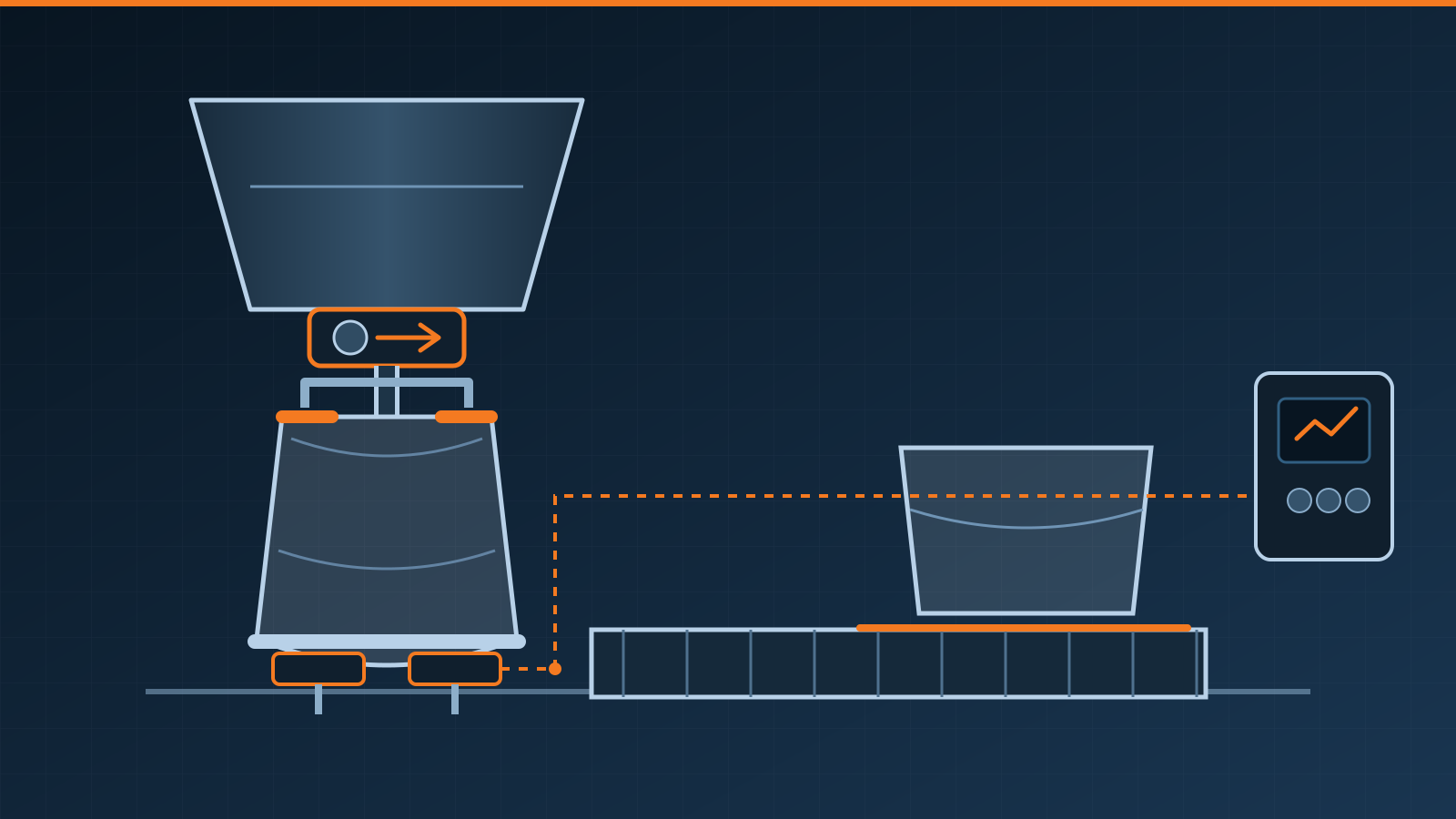
Bagging Scale: Selection and Integration Guide
Learn how a bagging scale weighs and fills bags, how major system types differ, and what to specify for safe, reliable packaging-line integration needs.