Weighing Terminal: Functions, Integration, and Buying Guide
Learn what a weighing terminal does, how it differs from an indicator or controller, and how to select interfaces, integration, security, and protection.
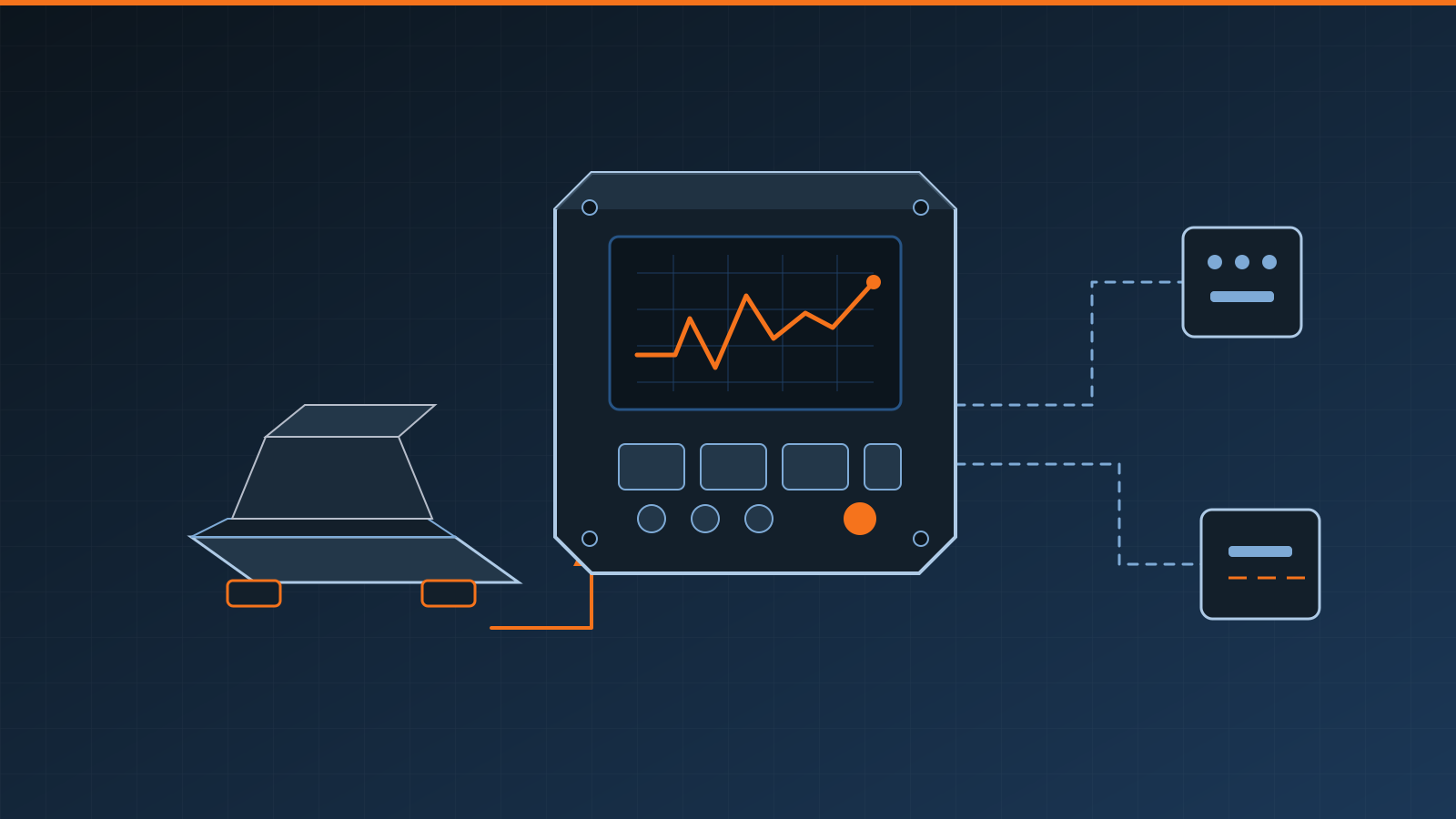
A weighing terminal is the operator and communications endpoint of an industrial scale. It receives a measurement from load cells, a scale base, or another weighing device; converts or displays the weight; and may manage identification, data entry, I/O, calculations, records, and process commands. The right terminal is selected around the complete workflow and interfaces—not screen size alone.
Key takeaways
- “Terminal,” “indicator,” and “controller” describe overlapping product categories, not universal capability levels.
- Confirm the electrical scale interface, supported protocols, data format, update behavior, and I/O requirements.
- Map ERP, MES, and WMS data ownership before specifying an integration.
- Select the enclosure, display, keypad, connectors, and mounting for the actual operating environment.
- Treat authentication, remote access, updates, backups, and network segmentation as purchasing requirements.
- Calibration, legal-for-trade suitability, and control safety depend on the complete installation and jurisdiction.
Weighing terminal vs. indicator vs. controller
Vendors do not use these names consistently. One supplier’s scale terminal may be another supplier’s advanced weighing indicator. Procurement teams should define required behavior and verify it in documentation and demonstrations.
| Device term | Typical emphasis | Questions to ask |
|---|---|---|
| Weighing indicator | Converts a load-cell signal or accepts scale data, applies calibration, and displays weight | Does it connect to the sensor directly? Which weighing and output functions are included? |
| Weighing terminal | Adds an operator interface, data entry, records, communications, or workflow to weighing | Which transactions are stored locally? Can operators identify products, lots, or orders? |
| Weight controller | Uses weight in automatic filling, batching, dosing, checkweighing, or setpoint logic | What logic runs locally, and what happens if a sensor, output, or network fails? |
A device can occupy more than one row. A terminal may energize analog load cells and calculate weight, or it may receive an already-calculated value from an indicator. A controller may have a full touchscreen, while a capable indicator may include setpoints and digital I/O. Establish the signal path and division of responsibility before choosing a label.
The terminal is also distinct from a load cell junction box. A conventional summing box combines several analog cell circuits; it does not normally provide the calibrated operator interface or transaction functions of a terminal.
Core functions to define
Basic operation may require only zero, tare, gross/net selection, units, and a stable weight display. Industrial workflows can add counting, accumulation, target comparison, formula selection, ID entry, label printing, checkweighing, filling, batching, or totals by product and shift.
Each function needs an operational definition. For example, “tare” could mean a push-button tare, a recalled container value, or a value imported with an order. Decide who may create or change it, how it is identified, when it expires, and whether it must appear in a record. For transactions that affect billing, inventory, or regulated records, include user identity, timestamps, change history, and controlled overrides.
Operator usability matters on a production floor. Test the terminal with gloves, local lighting, the expected viewing distance, permitted languages, alarms, and realistic error messages. A color touchscreen can support guided workflows, but physical keys may remain useful for repetitive actions or harsh environments. Interface preference should not override cleaning, accessibility, or failure-mode requirements.
I/O and communications are application-specific
A terminal may offer serial, Ethernet, USB, wireless, analog output, fieldbus, or industrial Ethernet options. Names alone do not prove interoperability. Confirm the physical interface, electrical implementation, connector, protocol, message structure, character encoding, byte order where relevant, update rate, stability flags, error states, and whether an option module or license is required.
Discrete inputs may trigger zero, tare, print, start, stop, or product selection. Outputs may signal stable weight, under/over status, setpoints, alarms, or valve commands. Analog outputs can represent weight or another process value. None of these assignments is universal. Document normal and de-energized states, timing, isolation, and what the receiving system should do with invalid or stale data.
For automatic machinery, do not assume a communications command or software setpoint provides a safety function. Risk assessment, safety-related controls, guarding, emergency stops, and safe isolation require qualified engineering appropriate to the machine and site.
Integrating ERP, MES, WMS, and controls
A terminal can exchange order numbers, materials, recipes, container IDs, target weights, completed quantities, status, and exceptions. Integration may be direct, but many installations use a PLC, middleware service, industrial gateway, or local application to separate real-time control from business transactions.
Create a field-level interface specification before procurement:
- Identify the system of record for every field.
- Define when the terminal requests or receives data.
- Specify units, decimal handling, identifiers, timestamps, and status codes.
- Define acknowledgments, retries, duplicate prevention, and out-of-order messages.
- Decide how operators continue during a network or upstream-system outage.
- Provide reconciliation reports for missing, rejected, or duplicated records.
A weighing terminal should not be confused with dedicated weighbridge software. Truck-scale software typically manages vehicles, gross/tare/net transactions, tickets, lane devices, and site traffic. This guide concerns the terminal hardware and embedded functions used across industrial scales; a terminal may simply supply validated weight to a separate application.
Environment and installation
Specify actual conditions rather than asking only for an “industrial” device. Consider dust, washdown, condensation, corrosive chemicals, temperature variation, vibration, impact, electromagnetic interference, sunlight, humidity, and hazardous-location constraints. Enclosure protection depends on the complete installation, including cable entries, seals, unused ports, mounting, and maintenance.
Mount the display where the operator can read and use it without entering a hazard or creating an awkward posture. Protect cables from abrasion, crushing, moisture paths, heat, and electrical noise. Verify power quality, grounding, shielding, and separation according to the equipment documentation and site design. Hazardous locations and hygienic processes require appropriately qualified design and approved equipment for the complete application.
Plan service access. Technicians may need to inspect terminals, disconnect cables, load configuration, replace a module, or observe live values while testing the scale. Preserve wiring diagrams, configuration backups, firmware records, credentials, and the approved parameter set.
Cybersecurity and lifecycle controls
Network connectivity makes the terminal part of the site’s operational technology. Inventory every enabled port and service, disable unused functions where supported, place the device in an appropriate network segment, restrict administrative access, and control remote support. Ask how accounts, password policy, encryption, signed updates, vulnerability notifications, logs, and secure configuration backups are handled.
Also define ownership. Operations may own recipes, metrology may control calibration parameters, engineering may own I/O logic, and IT may administer network access. Changes should be authorized, recorded, tested, and recoverable. Before an update, verify compatibility with interfaces and downstream systems; after it, test weighing, records, outputs, and failure handling.
Buying checklist
- Scale type, number of channels, load-cell or data interface, capacity, and display resolution
- Required zero, tare, gross/net, accumulation, counting, formulation, filling, or checkweighing functions
- Operator IDs, product/order entry, prompts, languages, records, labels, and reports
- Digital and analog I/O quantities, states, isolation, timing, and safe failure behavior
- Physical ports, exact protocols, data maps, throughput, and diagnostics
- ERP, MES, WMS, PLC, printer, scanner, and peripheral responsibilities
- Dust, washdown, chemicals, temperature, vibration, lighting, and mounting conditions
- Authentication, network segmentation, remote access, updates, logs, and backup/restore
- Legal-for-trade or other application-specific regulatory requirements
- Calibration access, documentation, spares, training, service support, and lifecycle availability
Require a configured demonstration with normal work, operator mistakes, unstable weight, lost communications, reboot, and recovery. If weight is used in commerce, confirm that the complete instrument, configuration, installation, and sealing arrangements meet the applicable local requirements; a terminal feature or approval claim alone is not enough. The broader principles in our legal-for-trade scale guide explain why intended use and jurisdiction must be established early.
Selection and commissioning should involve the scale provider, controls or integration engineer, operations, maintenance, IT, safety personnel, and legal-metrology specialists where applicable. Manufacturer instructions and qualified technical assessment take priority over this general guidance. A well-specified industrial weighing terminal gives each party a clear interface, preserves trustworthy weight data, and fails in a planned rather than improvised way.
Frequently asked questions
What is a weighing terminal?
A weighing terminal receives a signal or weight value from a scale, presents the result to an operator, and may add data entry, transaction, I/O, communications, and process-control functions. Its exact capabilities depend on the model and system architecture.
Is a weighing terminal the same as a weighing indicator?
The terms overlap, but they are not always interchangeable. An indicator primarily converts and displays weight, while a terminal usually implies a broader operator interface, connectivity, or transaction workflow. Suppliers may use either term differently, so compare documented functions rather than labels.
Can a weighing terminal connect directly to ERP, MES, or WMS software?
Sometimes. A terminal may exchange data directly, through middleware, or through a PLC or edge gateway. Compatibility depends on the available interface, supported protocol, data model, security requirements, and responsibility for retrying or reconciling failed transactions.
What information is needed to select an industrial weighing terminal?
Define the scale and sensor interface, required weighing functions, operator workflow, I/O, protocols, business-system integration, environment, legal-metrology obligations, cybersecurity controls, maintainability, and failure behavior before comparing products.
Related guides
Scale Calibration Frequency: How to Set the Right Interval
Learn how often to calibrate a scale using a risk-based interval based on use, impact, drift, environment, regulations and documented performance history.
Load Cell Replacement: Selection, Installation and Calibration
Plan a safe load cell replacement: confirm the fault, match mechanical and electrical requirements, install correctly, then calibrate and verify the scale.
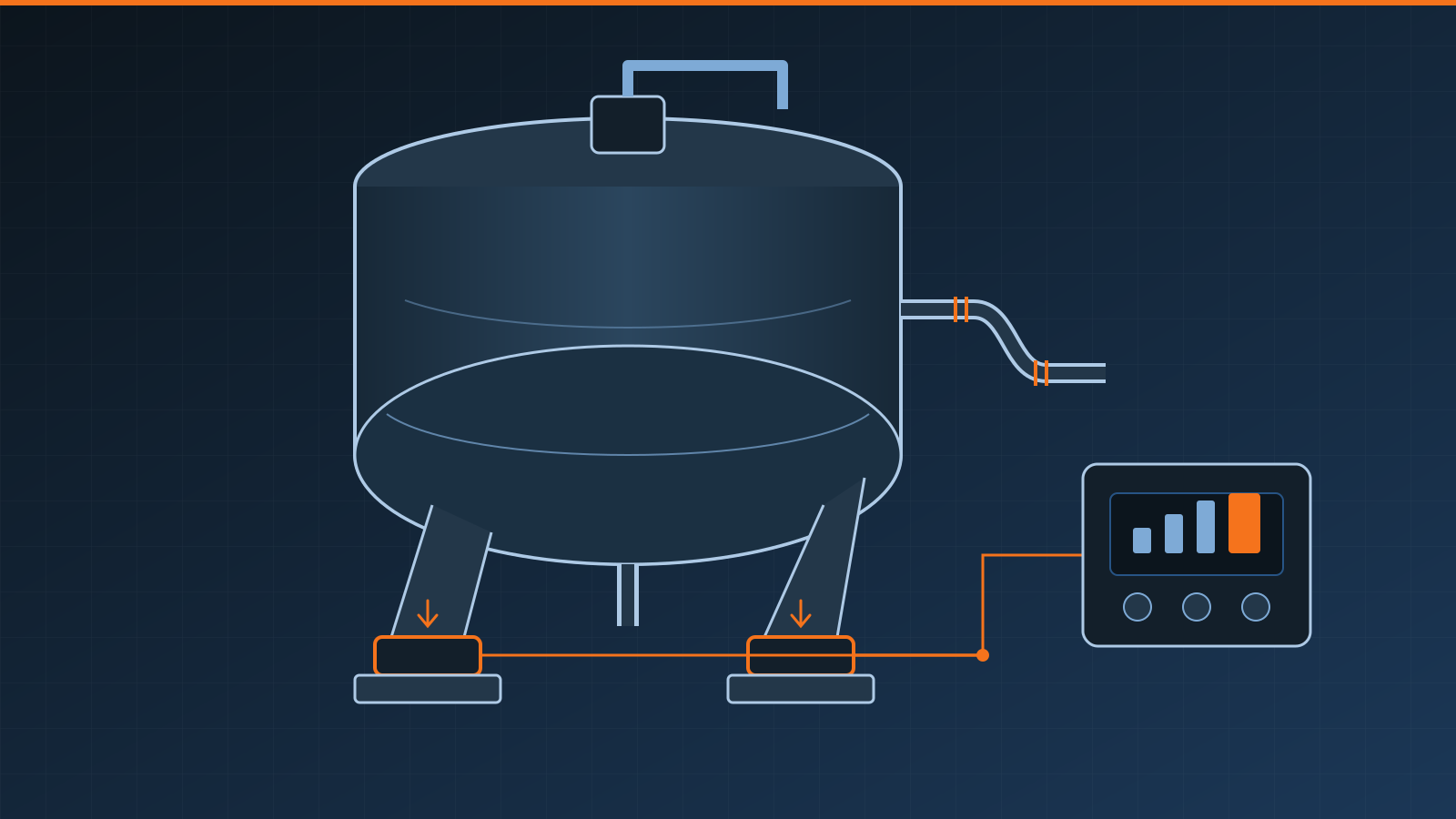
Tank Weighing System: Components, Installation, and Selection
Learn how a tank weighing system works, which components it needs, how piping and agitation affect readings, and how to plan installation and calibration.